
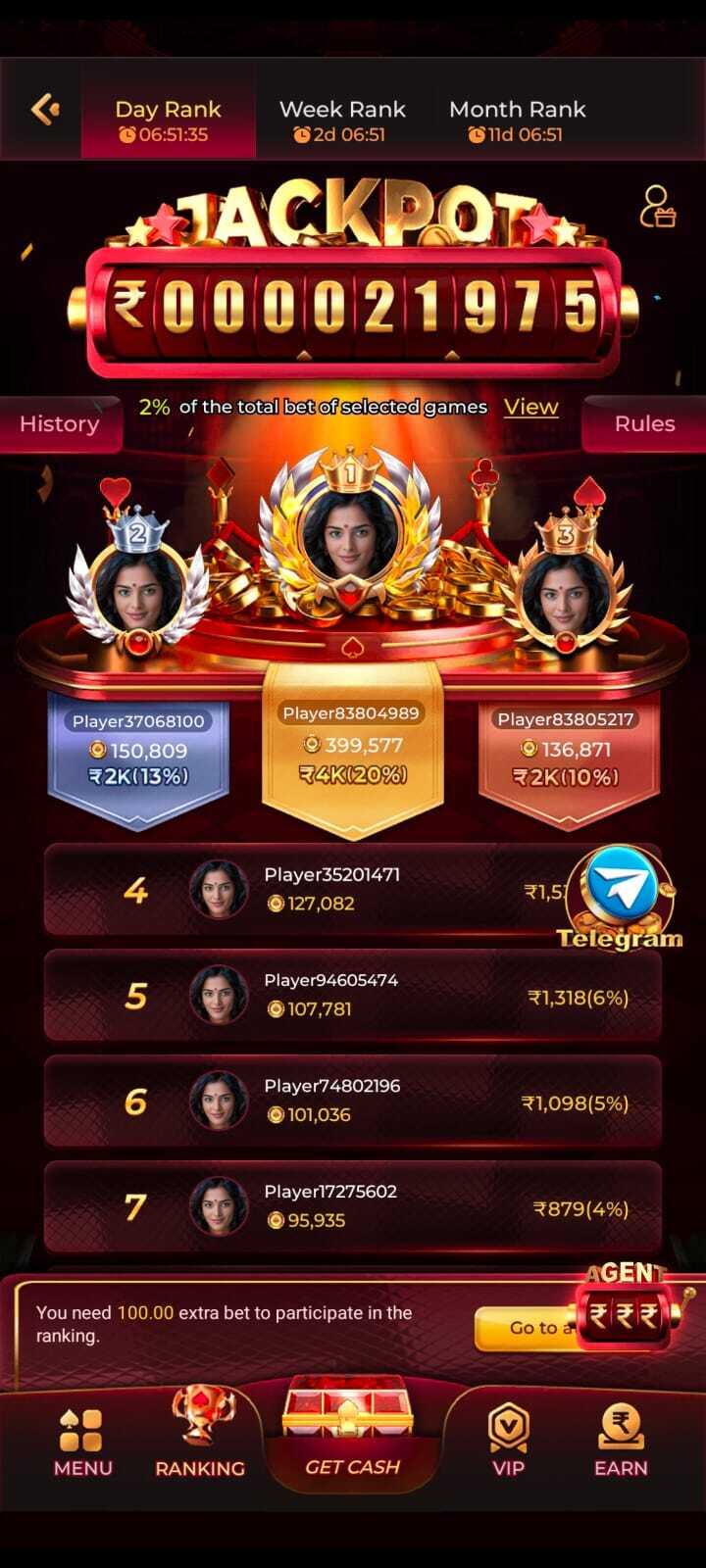
Mobile applications can make it easier to access online services and account tools. This GEM7 App guide covers general download considerations, account access steps, platform features and basic security practices.
Download information
Users searching for GEM7 App or Gem7 APK should verify the source before downloading anything. Check that the download destination is associated with the service and review the requested permissions.
Android may display a warning when an application is installed outside an app store. Do not bypass a warning unless you have independently verified the file and understand the risks.
General login steps
Never share passwords or verification codes with anyone claiming to provide support.
- Open the verified platform address or installed application.
- Choose the login option shown by the service.
- Enter the credentials associated with your account.
- Follow any additional verification prompts displayed by the platform.
Features and navigation
The interface may include account details, game categories, notices, rewards information and support options. The exact layout and availability can change with platform updates.
Review the rules and descriptions for each feature before using it. Do not assume that promotional messages represent guaranteed outcomes.
Security tips
Follow basic security practices whenever you access your account or use the platform. Keep your login credentials private and use trusted sources for downloads.
- Use a unique password and secure your device with a screen lock.
- Keep your operating system and browser updated.
- Avoid public Wi-Fi when entering sensitive account information.
- Do not install modified APK files or unknown add-ons.
Responsible use reminder
Online gaming can involve risk. Do not treat gaming as a source of income, set personal limits and check the laws that apply in your location. This article is informational and does not guarantee any outcome.